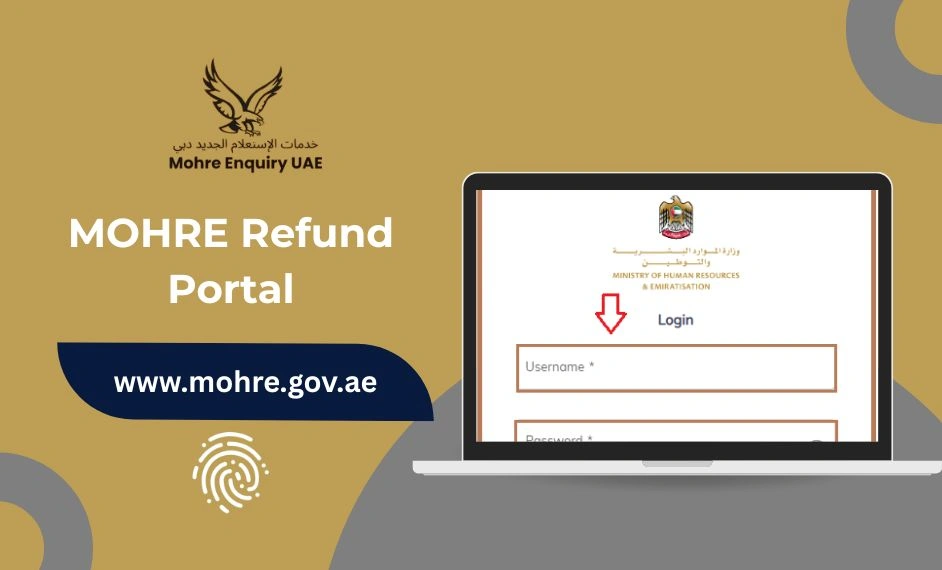
MOHRE Refund Portal 2025 – Apply for Auto Refunds and Track Payments Online
The MOHRE Refund Portal is your official gateway to request refunds for overpaid government fees, fines, and bank guarantees in the UAE. Whether you are an individual employee or a registered company, the portal makes auto refunds, payment tracking, and eServices transparent, secure, and convenient.
By using this platform, you can:
- Request refunds for MOHRE service fees or fines
- Track the status of your refund online
- Process bank guarantee and company deposit refunds
- Use MOHRE eService login for visa or labor status checks
The process is free of charge and usually completed within five working days after approval.
Get Your Money Back Quickly with MOHRE Auto Refund
Mistaken payments, double fees, or overpaid fines can be stressful. The MOHRE Refund Portal removes the hassle by providing a simple, digital, and trackable refund process.
No need to visit government offices physically. Simply submit your refund request online, upload the required documents, and monitor your refund in real-time.
Who Can Apply Through the MOHRE Refund Portal?
Refund requests can be submitted by:
- Individuals: UAE residents with a valid Emirates ID
- Companies or Establishments: Registered under MOHRE with valid trade licenses
Important:
- Refunds are processed only to UAE bank accounts with IBANs matching the registered name.
- All documents submitted must exactly match the original transaction.
For assistance, visit a MOHRE Service Center or call 80084.
Documents You Need for a Successful Refund Application
To ensure smooth processing, prepare these documents before submitting your request:
- Payment or transaction receipt
- Unique Reference Number (URN) or payment ID
- Bank account details (account name, account number, UAE IBAN)
- Bank letter or statement verifying IBAN
- Emirates ID or UAE Pass verification
- For companies: Trade License, Establishment Card, or Power of Attorney (if applicable)
How to Apply for a Refund on MOHRE Portal

1. Visit the MOHRE Refund Portal
- Go to mohre.gov.ae and open the Auto Refund or Financial Refund Services section.
2. Login Using UAE Pass or Emirates ID
- Sign in securely using your Emirates ID, UAE Pass, or MOHRE eService login credentials.
3. Start a New Refund Request
- Enter your URN or payment transaction number to locate the refundable transaction.
4. Upload the Required Documents
- Attach receipts, IBAN verification, and Emirates ID scans. Ensure documents are clear and match your original payment.
5. Submit Your Application
- Your request will go through MOHRE’s verification and audit process. Once approved, the refund is credited to your UAE bank account.
Processing Time: Usually 5 working days.
Service Fees: Free of charge.
Refunds for Bank Guarantees, Fines, and Company Deposits
1- How to Refund a Bank Guarantee in UAE
Companies can request a bank guarantee refund through the MOHRE Refund Portal or at a MOHRE Service Center.
Steps:
- Log in to your establishment account.
- Navigate to Financial Transactions → Bank Guarantee Refund.
- Upload your trade license, Emirates ID, and clearance certificate.
- Submit and monitor status online.
Refunds are processed within 7–10 working days after verification.
2- How to Check MOHRE Fine Status Online
Use the MOHRE Fine Check service on the portal to:
- View outstanding fines
- Pay fines directly online
- Confirm fine clearance for visa or labor card purposes
3- MOHRE Company Deposit Refunds
Registered establishments can request company deposit refunds or guarantee releases through the Auto Refund system, ensuring compliance and transparent financial tracking.
Track Your Refund and Check Status
You can track your requests easily:
- MOHRE Enquiry: Check refund, fine, or payment status online.
- MOHRE eService Login Visa Check: Verify visa or labor card status using your Emirates ID or reference number.
- MOHRE Service Center Assistance: For offline queries, visit a nearby Tas’heel or MOHRE service office.
For urgent assistance, contact the MOHRE Helpline at 80084.
ADIB Refund Portal (Linked Service)
Some payments are processed via the ADIB Refund Portal depending on the payment channel:
- Visit refund.adib.ae
- Enter your payment reference or transaction ID
- Upload payment proof and UAE IBAN letter
- Submit request and track via SMS or email
This ensures accurate reconciliation with MOHRE Auto Refund requests.
Common Reasons for Refund Rejection or Delay
- IBAN is not a UAE bank account
- Account name does not match the original transaction
- Documents are unclear or incomplete
- Missing URN or payment reference
If rejected, MOHRE will guide to correct the issue.
Tips to Ensure Faster Approval
- Use high-resolution scans of receipts and documents
- Double-check UAE IBAN format (AExxxxxx…)
- Make sure your account name matches the payment or establishment name
- For companies, confirm the trade license and establishment card validity
Frequently Asked Questions
How to refund bank guarantee in UAE?
Submit the request online via MOHRE Refund Portal or at a MOHRE Service Center. Refunds take 7–10 working days after verification.
How to check status on MOHRE?
Use the portal’s Enquiry section or MOHRE Smart App with your URN or payment reference.
How to download experience certificate from MOHRE?
Login through your MOHRE eService account and download the certificate in PDF.
How do I contact MOHRE?
Call 80084, visit a service center, or submit a query via mohre.gov.ae.
How can I get my experience certificate?
Employees can log in to MOHRE eService or UAE Pass to download once employment records are updated.
Final Thoughts
The MOHRE Refund Portal offers a fast, secure, and transparent way to get your money back for overpaid fees, fines, or bank guarantees. By providing correct documents, UAE IBAN, and reference numbers, refunds are typically processed within 5 working days. Use the portal for auto refunds, fine checks, bank guarantee requests, and other MOHRE services to manage your UAE employment transactions efficiently. Official portal: www.mohre.gov.ae